Chat with Kleo
Say it the way you would say it to a person. Kleo turns your words into a card you can review; nothing is charged until you tap Generate.
Attach photos · video clips · sound clips
5 free credits for a new account
Videos, pictures, voiceovers, music and complete narrated films, in one chat. Describe what you want: Kleo proposes the model, the settings and the exact price, and nothing is charged until you tap Generate.
Seedance 2.5 · Veo 3.1 · Nano Banana Pro · Seedream 5 · FLUX.2 Pro
A paper boat sailing down a rainy street at night. Five seconds, cinematic.
Here is the card. Change anything you like, then tap Generate.
Describe what you want, and attach photos, video clips or sound clips when you have them. Kleo answers with a card: the model, the settings and the exact credit price. Change what you like, then tap Generate. Everything you make is kept in your library.
Say it the way you would say it to a person. Kleo turns your words into a card you can review; nothing is charged until you tap Generate.
Attach photos · video clips · sound clips
Seedance 2.5 by default, Seedance 2.0, Seedance 2.0 Fast when you want it cheapest, and Google Veo 3.1 or Veo 3.1 Fast for maximum quality. Photos, clips and sounds work as references, with 24 camera and effect presets and Prompt Enhance.
Seedance 2.5 · 2.0 · 2.0 Fast · Veo 3.1 · Veo 3.1 Fast
Pictures from Nano Banana Pro, Nano Banana 2, Seedream 5 or FLUX.2 Pro, in sets of 1, 2 or 4.
Nano Banana Pro · Nano Banana 2 · Seedream 5 · FLUX.2 Pro
A voiceover from your text, a music track or a sound effect, made in the same chat as the pictures and the video.
Voiceover · Music · Sound FX
Ready-made tools for the jobs people ask for most: swap a face in a photo or a video, make a photo talk, sync lips to a voice, change an outfit, edit or upscale a video.
Face Swap · Video Face Swap · Talking Photo · Lipsync · Motion Control · Outfit Swap · Edit Video · Upscale Video
A complete narrated film, ordered from the chat: treatment, storyboard, narration, generated footage, optional music and subtitles, 4K 60 fps, 15 seconds to 5 minutes. A film needs an account that has bought a pack; every account can make the animatic, narrated drawn frames with camera motion, up to 60 seconds.
How a film is madeShots the Kleo team made with Seedance 2.5, the video model Kleo uses by default.
Sign in with your e-mail. 5 free credits for a new account.
Our own ad, generated with Kleo. From one conversation to a film ready to share.
Watch the film with soundSpots the Kleo team cut from Kleo films, Seedance 2.5 clips and motion graphics.
You direct the story. Kleo brings the shots together.
Tell Kleo the subject, the length and the format, in the app or in your assistant. Kleo reads the brief and asks the rest in one message: the look, film or animatic, the AI upscale, music, subtitles and the narration language.
Kleo shows you the treatment first: logline, angle, opening, acts and ending. Change what you want before a frame is made.
Under that treatment the storyboard is written and Nano Banana Pro draws every frame, each one checked against your request. In a film, Seedance 2.5 turns every frame into moving footage; in an animatic the camera moves over each drawn frame instead. One narrator voices it, in English or Italian. The exact credit cost is stated before anything is charged; nothing is charged until the render is accepted.
The film renders at 4K 60 fps on a GPU rented for your job. Kleo follows the progress and hands you the link to the finished MP4, good for 7 days. Review it and upload it wherever you publish.
Make me a 45-second Short about a lighthouse keeper who keeps answering a message in a bottle. Realistic look, English narration.
Treatment ready: a keeper, one bottle a year, the last one answered in person. 30 credits, 9:16. You approve. Kleo starts the render.
{ "duration_s": 45, "format": "9:16", "style": "realistic", "language": "en",
  "prompt": "A lighthouse keeper who keeps answering a message in a bottle" }
Illustrated workflow · progress shown in an accelerated loop.
The treatment, the storyboard, the footage and the edit, as our own ads show them.
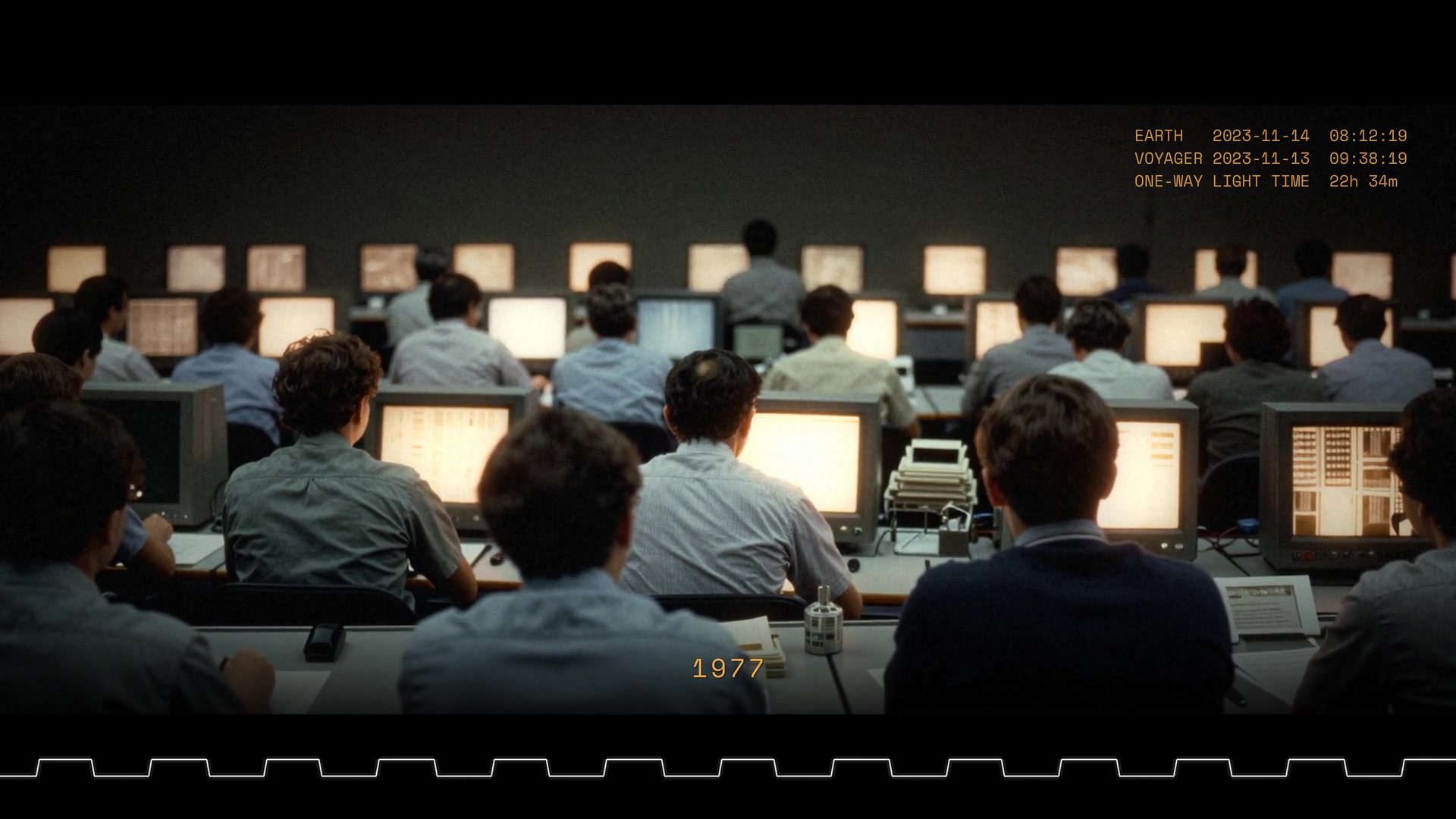
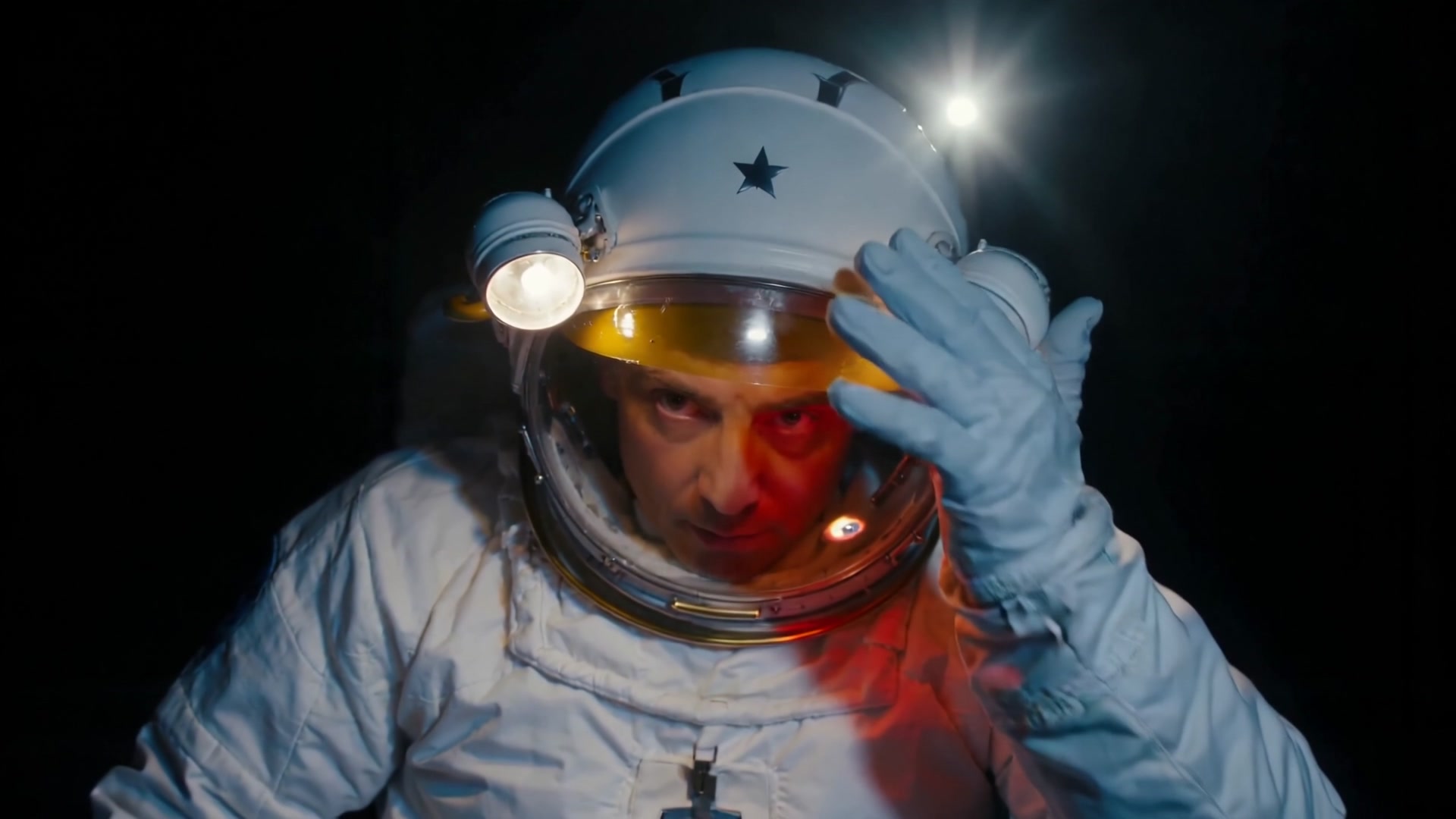
Tether, a single shot in space. Apex, two cars out of a tunnel. Signal Delay, a documentary excerpt. And an earlier animated octopus showcase. Open any film to watch with sound and full screen. Each page explains the treatment and how it relates to the current offer.
All the examples → · The two looks, realistic and animation →
Every frame generated, edited into the Kleo team’s ads.
Turn one clear question into a narrated 16:9 film, from the opening hook to the final takeaway, up to five minutes long.
Make a YouTube videoGive a story a subject, a setting and an ending, and ask for the animation look: a 2D animated film with one narrator, from 15 seconds to 5 minutes.
Watch the octopus ShortA focused 9:16 Short with one idea and a clear narrative, rendered at 2160×3840 and 60 fps. A 30-second Short costs 20 credits as a film, 10 as an animatic.
What a Short costsA grey Blender previz turned into finished shots, and Shorts cut for phones.
Stay in the chat for the brief, the progress and the link: Kleo works behind the conversation. Nano Banana Pro draws the frames, a vision model checks each one against your request, and in a film Seedance 2.5 turns every frame into moving footage — no slideshow of stills — while one narrator carries it. The render happens at 4K 60 fps on a GPU rented for your job, typically 25–35 minutes. The finished MP4 is the deliverable; you choose when and where to publish it.
“Use Kleo to make a 60-second narrated film about how coffee travels from farm to cup. Realistic look, English narration, 16:9. Show me the treatment and the credit cost before starting the render.”
Previz, frames and finished shots from the Kleo team’s own ads.
5 free credits for a new account, packs from €5 paid once.
The same Kleo also works as a connector: add its address to a compatible assistant as a remote MCP server, sign in to Kleo, and ask for videos, animatics and films without leaving the conversation. It is one way to use Kleo; the app is the other, with the same account and credits.
https://mcp.kleooai.com/mcpConnect Kleo once, then create from your conversation. Manual setup is currently available for accounts with Developer mode.
https://mcp.kleooai.com/mcpIn ChatGPT, enable Developer mode in Settings → Security and login. Add Kleo from Plugins with this server URL, then sign in to Kleo and enable it in your conversation. Availability depends on your account and workspace. Setup reference ↗
https://mcp.kleooai.com/mcpIn Claude, open Settings → Connectors → Add custom connector. Name it Kleo, paste this URL and connect your Kleo account. Enable Kleo in your conversation. Setup reference ↗
https://mcp.kleooai.com/mcpOpen Grok Connectors → New Connector → Custom. Paste this URL, complete the Kleo sign-in and enable its tools. Custom connector access depends on your plan and workspace. Setup reference ↗
codex mcp add kleo --url https://mcp.kleooai.com/mcp
codex mcp login kleoRun these commands with Codex CLI installed, finish the browser sign-in, then start a new Codex session with Kleo enabled. Setup reference ↗
claude mcp add --transport http kleo https://mcp.kleooai.com/mcpThen open Claude Code, run /mcp, select Kleo and authenticate. The command adds Kleo to the current project. Setup reference ↗
{
  "mcp": {
    "kleo": {
      "type": "remote",
      "url": "https://mcp.kleooai.com/mcp",
      "enabled": true
    }
  }
}Merge this entry into your existing configuration, then run opencode mcp auth kleo and complete the browser sign-in. Setup reference ↗
{
  "mcpServers": {
    "kleo": {
      "url": "https://mcp.kleooai.com/mcp"
    }
  }
}Merge this entry into your project’s .cursor/mcp.json. In Cursor’s MCP settings, connect Kleo and complete sign-in, then use it in Agent. Setup reference ↗
Plan the story with drawn frames, camera movement and narration. Up to 20 seconds on your starter credits, 60 in all. Paste this brief into your connected assistant and make it yours.
Use Kleo to plan a 20-second animatic about a paper boat returning to its maker. Animation look, English narration, 9:16. Show me the treatment, confirm that the product is an animatic, and check the exact credit cost against my available balance. Wait for my approval before rendering. Do not start a paid film or buy credits.
Generate a complete narrated film, from 15 seconds to 5 minutes. A paid credit pack and enough eligible credits are required; a launch code opens one 15-second film without a pack. Paste this brief into your connected assistant and make it yours.
Use Kleo to plan a 20-second narrated film about two fictional cars leaving an amber-lit tunnel for a coastal road at golden hour. Realistic look, English narration, 16:9. Show me the treatment, the exact film credit cost, my usable film balance and whether my account is eligible. Wait for my approval before rendering. Do not buy credits. After rendering, give me the finished MP4 download link.
In an assistant, the 5 starter credits buy one animatic. A launch code: one free 15-second film. Film packs from €5. Remote MCP support required. Account and workspace access may vary.
Every client, step by step → · Claude guide → · ChatGPT guide → · MCP documentation →
The connector in Claude, as our spots show it.
An AI creative studio you use by chatting, at app.kleooai.com. Describe what you want — a video, a picture, a voiceover, music, a sound effect or a complete narrated film — and Kleo proposes a card with the model, the settings and the exact credit price. You tap Generate when it looks right, and everything you make is kept in your library.
Video: Seedance 2.5 (the default), Seedance 2.0, Seedance 2.0 Fast, Google Veo 3.1 and Veo 3.1 Fast. Pictures: Nano Banana Pro, Nano Banana 2, Seedream 5 and FLUX.2 Pro, in sets of 1, 2 or 4. Audio: voiceover, music and sound effects. Films: frames by Nano Banana Pro and footage by Seedance 2.5, in 4K 60 fps.
Yes. A new account starts with 5 free credits. Every price is shown on the card before you generate: a 5-second Seedance 2.0 Fast clip at 480p costs 4 credits, for example. Free credits work with Seedance 2.0 Fast at 480p and with every picture model except Nano Banana Pro, and every account can make the animatic; the first pack opens every model and the films. Packs are paid once: €5 for 10 credits, €15 for 35, €40 for 100.
No. Kleo first shows a card with the model, the settings and the exact credit price. Credits move only when you tap Generate. For a film, you approve the treatment and the cost before the render starts.
Yes. Kleo is also a remote MCP server at https://mcp.kleooai.com/mcp: add it to Claude,
ChatGPT, Grok, Cursor, Claude Code or another compatible client and ask for videos and films in the conversation.
How to connect.
No. Kleo gives you the finished file; you review it, download it and upload it yourself. Kleo never posts to YouTube, TikTok or any other channel.
Three more of our own ads, silent, on a loop.
Sign in with your e-mail and get 5 free credits. Chat with Kleo, review the card, tap Generate. Already use Claude or ChatGPT? Connect Kleo there and the same account and credits follow you. Your private Kleo key opens the account anywhere, so keep it to yourself.