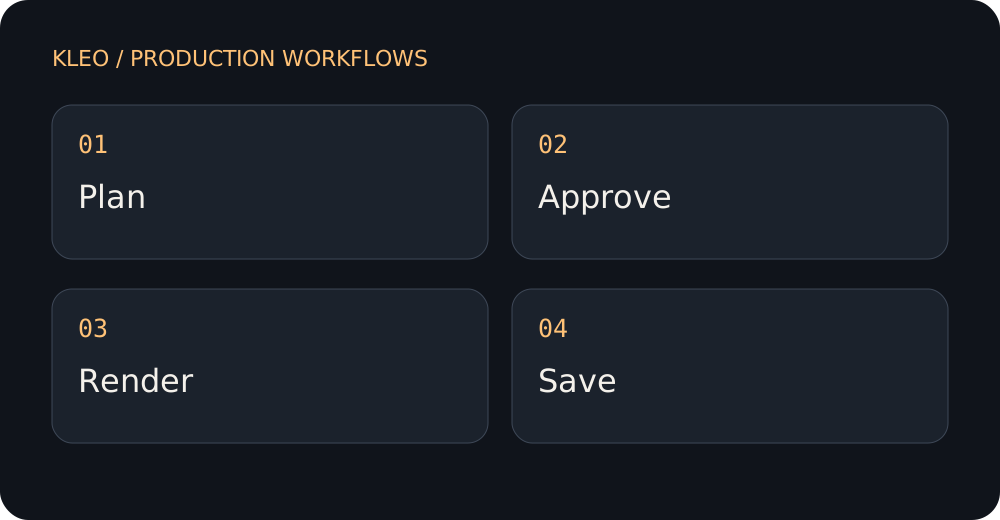
A practical method
- Capture the current interface through an approved workflow.
- Separate the real demonstration from any conceptual introduction.
- Plan the assembly in an editor if the required asset workflow is unavailable.
An example brief to adapt
Plan a narrated introduction for a software walkthrough, but do not invent screens or buttons. I will record the real interface separately. Give me a script with clear handoff points between the illustrative opening and my screen recording, and flag any product claims needing verification.
Review before moving on
- Are displayed features real?
- Does the recording match the current version?
- Are illustrative scenes clearly distinguished?
Record a concrete observation beside each check: a line in the treatment, a source passage or a timestamp in the downloaded film. If you cannot inspect an item yet, leave it open. A request in a brief is an intention; the result is what must be reviewed.
Download this guide’s editable text worksheet
What to avoid
Do not sell a generated interface as evidence of a working product. Check Kleo's current asset capabilities and use real recordings when fidelity is required.
Sources and scope
The method and fictional brief are original editorial guidance for planning and review. They do not establish a measured performance gain or guarantee a particular render. Product statements follow Kleo’s public pages, checked on 2026-09-23; official platform guidance is linked where relevant.
- Kleo FAQ — Product capabilities and limitations; reconfirm before production.
- Kleo pricing — Current starter offer, product conditions and quoted credit costs.
See the published Kleo examples to inspect actual showcased work. Example films may reflect a different production setup; check the current offer for your own job.