Calculate each render before choosing a pack
At the current tariff, a film costs one credit per 1.5 seconds, rounded up, with a minimum of 10 credits. In a spreadsheet, that is MAX(10, ROUNDUP(duration_seconds / 1.5, 0)). An animatic costs 5 credits up to 20 seconds and 10 credits up to 60. These calculations price a job; they do not buy credits or confirm account eligibility.
Use the intended duration, not an earlier rough idea. Keep an optional new version on a separate budget line so discussing it cannot be confused with approving it.
| Planned jobs | Calculation | Total production credits |
|---|---|---|
| One 30-second animatic | Over 20 seconds, up to 60 | 10 |
| One 15-second film | 15 / 1.5; the minimum is 10 | 10 |
| One 30-second film | 30 / 1.5 | 20 |
| One 60-second film | 60 / 1.5 | 40 |
| One animatic, then one 30-second film | 10 + 20; two separately approved jobs | 30 |
| One 30-second film, plus an optional new 30-second render | 20 approved + 20 only if separately approved | 20 now; 40 if both are rendered |
Scroll the table sideways to compare all columns.
Keep total balance and film eligibility separate
The €5 pack adds 10 purchased credits, €15 adds 35 and €40 adds 100. A €5 pack therefore provides the purchased credits for a 15-second film. A 20-second film costs 14 credits; do not treat an unused starter balance as a guarantee that the difference can be spent on film.
The public Terms restrict how credits that were given rather than bought may be used. Before checkout, ask Kleo to confirm the usable film balance as well as whether the account has bought a pack. If the account’s answer and the Terms disagree, ask support to clarify before committing to the order.
| Starting situation | Total after the pack | What the total does not establish |
|---|---|---|
| All 5 starter credits remain | 5 starter + 10 purchased = 15 | It does not prove that all 15 are eligible for a film. |
| One 5-credit starter animatic has been used | 0 starter + 10 purchased = 10 | Exactly a 15-second film; a 20-second film costs 14, exceeding this total. |
| No credits remain | 0 + 10 purchased = 10 | A new 15-second film uses the full purchased pack; another render needs its own budget. |
Scroll the table sideways to compare all columns.
Approve a specific job, not an open-ended allowance
Terms states a full credit refund when a render fails or is cancelled before the machine starts; part-way cancellation returns the unspent portion. A completed render that you want to change is a different situation. The budget above does not assume an unlimited revision allowance or cash refund.
Use the pricing calculator for the current per-render cost, and your account for the actual balance and checkout. This worksheet records a decision; it does not authorize a purchase or a render.
- Record product, duration, look, language, aspect ratio and any requested options beside the quote. Make the treatment version identifiable before production starts.
- Confirm the available balance and film eligibility, then approve only the named job and its exact cost. Keep any later render, editing expense or costs charged by your assistant outside that approval.
- After the job, record its identifier, reported charge and result. If it fails or is cancelled, check the actual returned credits before replanning; do not spend an expected refund in advance.
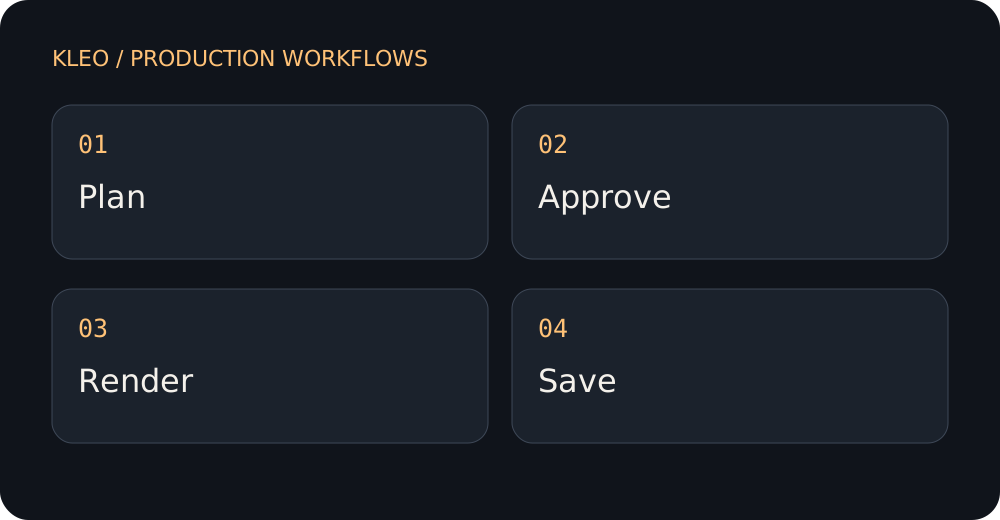
A practical method
- Choose the product and duration before comparing costs.
- Keep story review separate from final production in the budget.
- Reserve a decision point for any further render instead of assuming unlimited revisions.
An example brief to adapt
Prepare a Kleo estimate for one 30-second animatic and one 30-second film. List the two jobs separately, confirm current prices, and distinguish my total balance from credits eligible for film. Show an optional second film render as unapproved, with its own cost. Tell me which assumptions need confirmation. Do not buy credits or start any render.
Review before moving on
- Are all planned jobs included?
- Does the estimate match the current quote?
- Are optional revisions distinguished from approved work?
Record a concrete observation beside each check: a line in the treatment, a source passage or a timestamp in the downloaded film. If you cannot inspect an item yet, leave it open. A request in a brief is an intention; the result is what must be reviewed.
Download this guide’s editable text worksheet
What to avoid
A credit balance is not the same as an unrestricted production allowance. Confirm that the account and selected product meet the current requirements before promising delivery.
Sources and scope
The method and fictional brief are original editorial guidance for planning and review. They do not establish a measured performance gain or guarantee a particular render. Product statements follow Kleo’s public pages, checked on 2026-09-27; official platform guidance is linked where relevant.
- Kleo FAQ — Product capabilities and limitations; reconfirm before production.
- Kleo pricing — Current starter offer, product conditions and quoted credit costs.
- Kleo Terms — Eligibility of purchased and starter credits, refund conditions and cancellation rules.
See the published Kleo examples to inspect actual showcased work. Example films may reflect a different production setup; check the current offer for your own job.